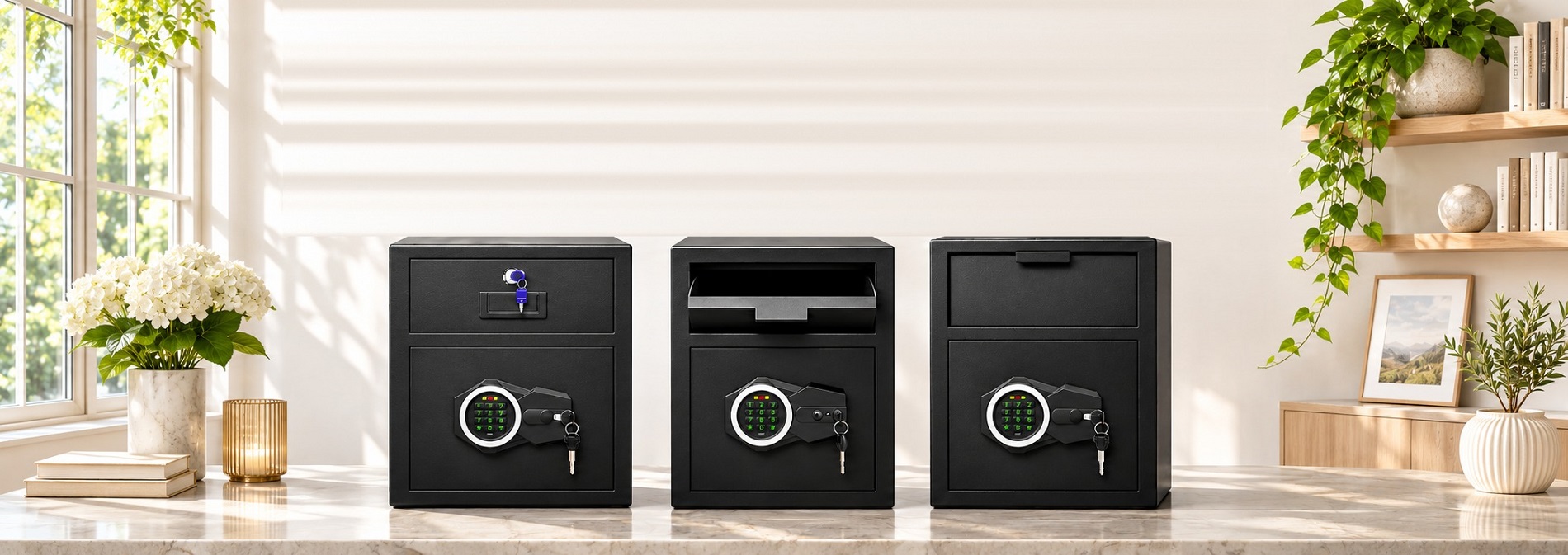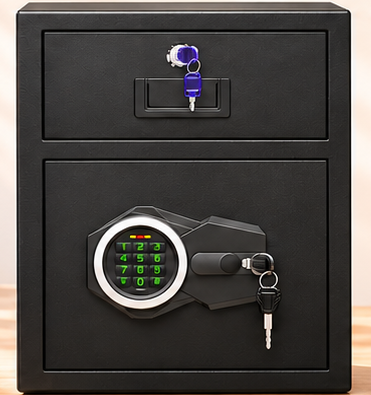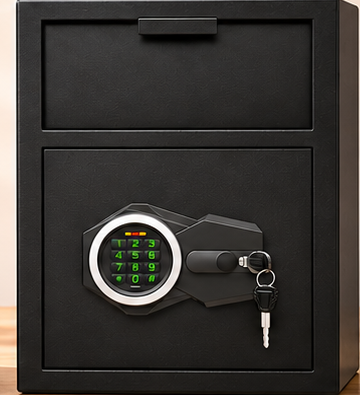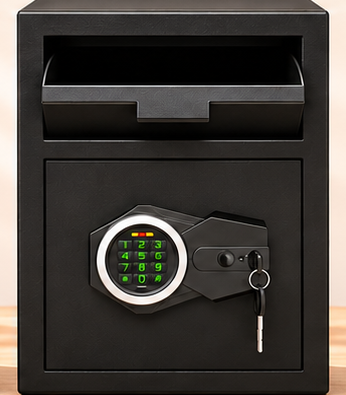
Three Sapekity safes on a stone table in a bright home interior
Support / Help Center

Everything you need for your safe, all in one place.

Access user manuals, watch operation videos, and find FAQ answers for setup, daily use, and troubleshooting.

Download the manual for your model

Pick the cabinet you own. Each file covers first set-up, daily deposits, code changes, the alarm system and mounting.

Watch it in action

Four short walkthroughs covering everything from your very first unlock to the alarm system. Tap any card to play.
Three ways to unlock your Sapekity safe
3 Ways to Unlock Your Safe

Code + knob, emergency key or external battery box — whichever fits the moment.
Reset your Sapekity safe code
Reset the Master Code

Enter factory code, open the door, then set your new 4–8 digit combination in under a minute.
Mute or unmute the keypad sound
Mute / Unmute the Keypad

Press *66 to silence every beep. Restore sound with *633.
Understand the alarm modes
How the Alarm System Works

Wrong codes trigger a 20-second alert first, then a full 5-minute lock-down if the attempt continues.

Four things worth knowing before you lock it

The same content as the manuals, condensed into the four situations owners ask about most.

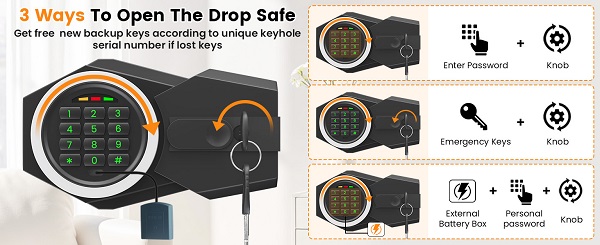
Three ways to open a Sapekity drop safe: code and knob, emergency keys, or an external battery box
Step 01 — Opening

Three ways in

Every Sapekity drop safe can be opened three different ways, so a flat battery or a forgotten code is never a locked-forever situation.

  • Code + knob. Enter your code, wait for the green light, then turn the knob.
  • Emergency keys + knob. Insert the key, turn it, then turn the knob. Keys are matched to a serial number on the keyhole — quote it when ordering spares.
  • External battery box + code. Clip the box to the keypad terminals, enter your code, then turn the knob.
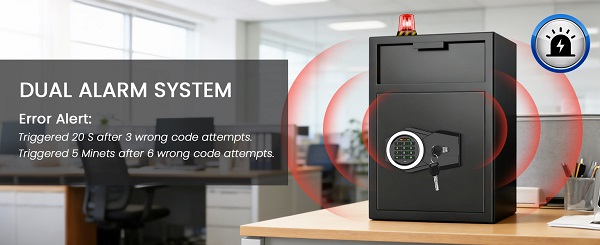
Sapekity dual alarm system with error alert after wrong code attempts
Step 02 — Protection

Dual alarm system

The alarm answers wrong-code attempts in two stages, so a curious visitor and a deliberate attack are handled differently.

  • Three wrong codes. The alert sounds after 20 seconds and the keypad pauses.
  • Six wrong codes. The alarm runs for 5 minutes and the keypad locks down completely.
  • Clear the alarm by entering the correct code, or with an emergency key.
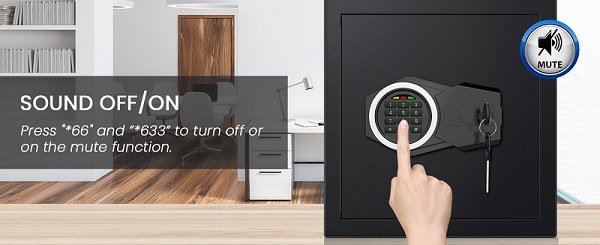
Sapekity sound off and on function with *66 and *633 keypad commands
Step 03 — Quiet Use

Sound off / on

Mute mode keeps every beep and confirmation silent — useful in a bedroom, a shared office or a shop floor at closing time.

  • Mute off. Press *66 to turn the sound off.
  • Mute on. Press *633 to turn the sound back on.
  • The setting is kept until you change it again, even after the door closes.
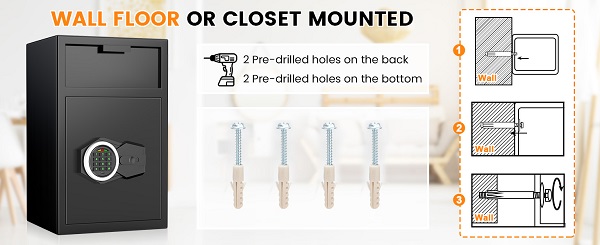
Sapekity safe mounted to a wall, floor or closet using four anchor screws
Step 04 — Installation

Wall, floor or closet mounted

The cabinet has four pre-drilled holes — two on the back and two on the bottom — and ships with four anchor screws and plugs.

  • Mark and drill. Use the holes as a template on a solid wall, a floor joist or a closet shelf.
  • Insert the plugs. Push the plastic plugs into the drilled holes so the screws bite cleanly.
  • Tighten the screws. Bolt the cabinet down so the whole unit cannot be carried away.

Missing a key, a screw or a page?

Send us the model name and the keyhole serial number. Replacement keys, battery boxes and anchor screw sets ship free within the warranty period.